Go to the project that you wish to duplicate (create a copy of). Click on Actions > Save As in the right-hand menu.
You will be asked to give the new project a name, and select the stage that this needs to be added to.
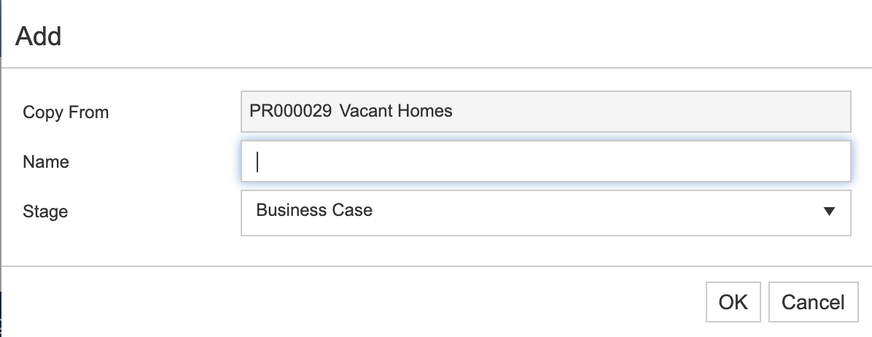
When you are ready, click on OK. Your new project will be created and assigned a new project ID.